
Use Read Access Logging to answer questions about access to selected sensitive data. Use the Security Audit Log to investigate configured security events, such as unsuccessful sign-ins or changes to user master records. Each log answers a different audit question.
What Each Log Records
Start with the question your security or audit team needs to answer. Table 1 shows which log to review first.
| Log | Question It Helps Answer | Examples |
|---|---|---|
| Read Access Logging (RAL) | Who viewed selected sensitive data? | Read access to configured data, such as selected personal or financial fields, under the conditions you define. |
| Security Audit Log (SAL) | Which security-related events occurred? | Configured events such as unsuccessful sign-ins or changes to user master records. |
Plan What to Log and Review
- Choose the data or events to log based on a specific audit or monitoring requirement.
- Assign responsibility for reviewing the logs and limit access to authorized staff. Set a retention period that matches your organization’s requirements.
- Use a controlled test to confirm that the expected read or security event appears and that a reviewer can find it. Define which findings trigger follow-up and who handles them.
Available events, configuration, and log access depend on your SAP S/4HANA edition and release. Start with SAP Help on configuring Read Access Logging and SAP Help on the Security Audit Log, then select the documentation for your deployment.
Explore the SAP PRESS Guide
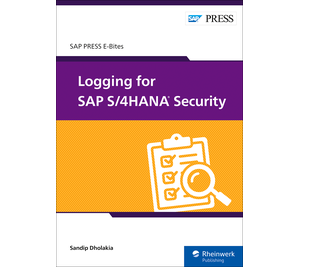 Sandip Dholakia’s SAP PRESS E-Bite, Logging for SAP S/4HANA Security, explains how to access, analyze, and protect SAP S/4HANA logs in on-premise and cloud deployments.