
SAP Joule for controllers brings conversational assistance into supported SAP applications. Alongside Situation Handling and financial close automation, it can help finance teams find information, manage exceptions, and coordinate work.
This guide explains the different roles of these tools, practical adoption questions, and the learning topics featured at SAP Controlling 2026. Capabilities depend on your SAP product, release, entitlements, authorizations, and configuration.
By John Jordan
What Is SAP Joule for Controllers?
Joule is SAP's AI assistant. In SAP S/4HANA Cloud Public Edition, documented capabilities include finding relevant apps, answering questions using SAP Help content, and selected business-data and transactional interactions. A documentation answer and an answer based on your business records use different sources; establish which capability supports your question.
For controllers, the starting point is a defined business task. Check the supported capability before assuming that Joule can explain any production variance, calculate actual material costs, or execute a settlement. Costing results still require reliable master data, configuration, and accounting review.
Which Automation Tool Fits the Task?
Table 1 separates conversational assistance, exception monitoring, close orchestration, and workflow automation so you can choose an appropriate starting point.
| Tool | Primary Role | Implementation Check |
|---|---|---|
| SAP Joule | Conversational assistance for supported questions and actions | Confirm the exact product capability and user access |
| Situation Handling | Detect defined business conditions and notify responsible users | Select a delivered template or design a supported custom use case |
| SAP Advanced Financial Closing | Coordinate and monitor financial close tasks | Define tasks, dependencies, owners, and connected systems |
| SAP Build Process Automation | Implement workflows and process automation | Validate subscription, integrations, approvals, and error handling |
Situation Handling uses configured conditions and situation templates. It does not automatically recognize every unusual cost or accounting issue. SAP Advanced Financial Closing can trigger SAP Build Process Automation workflows after integration setup, with workflow outcomes mapped to closing task statuses.
SAP Controlling 2026 Learning Topics
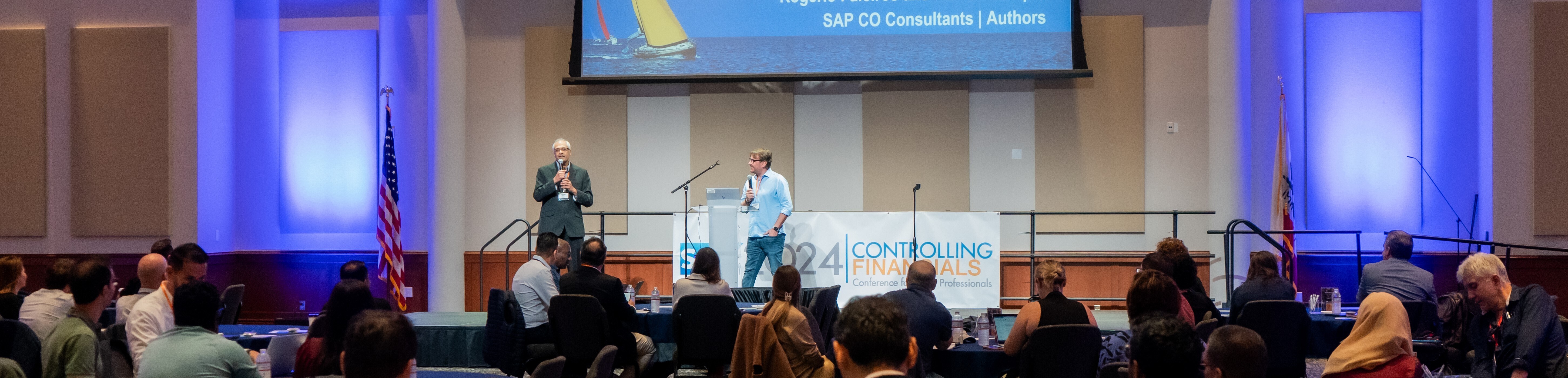
The following three featured sessions provide useful perspectives on applying AI and automation to finance processes.

Automation with SAP Situation Handling and Joule
Presented by Raghu Ram Thatavarthy
The session topic connects exception monitoring with user assistance. A practical design starts with a specific situation, a responsible user, and a clear response. Evaluate any Joule interaction separately against the supported capability in your SAP environment.
Expedite Your Financial Close with Intelligent Automation
Presented by Chintan Joshi

The close automation topic addresses spreadsheet task tracking, disconnected workflows, and manual coordination. Start by identifying repeatable tasks and their dependencies. Then define which steps run automatically, which require approval, and how failures reach the responsible controller.
For allocations, settlements, accruals, and other closing activities, measure elapsed time and manual interventions before and after a pilot. Benefits should be demonstrated in your process rather than assumed from general efficiency claims.
Demystifying SAP Joule for Controllers
Presented by Orpheus Birch
This topic focuses on what SAP Business AI means for controllers and cost accountants. Evaluate assistance for cost investigations and profitability reporting through specific, supported scenarios. Distinguish a product demonstration or roadmap concept from functionality available in your own system.
Practical Adoption Checklist
- Choose one process: define the exception, closing task, or information request and the expected result.
- Check availability: verify deployment model, release, region, license or entitlement, and integration prerequisites in SAP documentation.
- Prepare the data: validate cost centers, accounts, material master data, and reporting definitions relevant to the pilot.
- Assign responsibility: define access, approval steps, exception ownership, and evidence retained for review.
- Test and measure: compare results with trusted SAP reports and track response quality, failed tasks, cycle time, and manual effort.
For a foundation in the underlying costing processes, see our SAP S/4HANA Product Cost Controlling guide.
Common Questions
Does Joule Replace SAP Controlling Configuration?
No. AI assistance depends on the processes, data, access, and capabilities available in the connected application. Controllers still need to validate accounting results and business explanations.
Is All SAP Automation AI-Based?
No. Rules, scheduled jobs, situation templates, and workflows can automate work without generative AI. Choose the tool that addresses the process requirement.
Can Every S/4HANA Customer Use the Same Joule Features?
No. Check the capability guide for your deployment and release. SAP notes that additional entitlement and authorization may be required for Joule in SAP S/4HANA Cloud Public Edition.
Reference Materials
- SAP Help: Joule for SAP S/4HANA Cloud Public Edition
- SAP Help: Situation Handling
- SAP Help: Integrating SAP Build Process Automation with SAP Advanced Financial Closing
Continue Learning with ERPCorp Membership
Explore SAP Controlling session recordings and learning resources through ERPCorp membership. Review the available content and membership options to continue your SAP Finance and Controlling education.
Need help prioritizing improvements to your SAP Controlling processes? Explore ERPCorp SAP consulting services to discuss Product Costing, Material Ledger, and period-end requirements.