
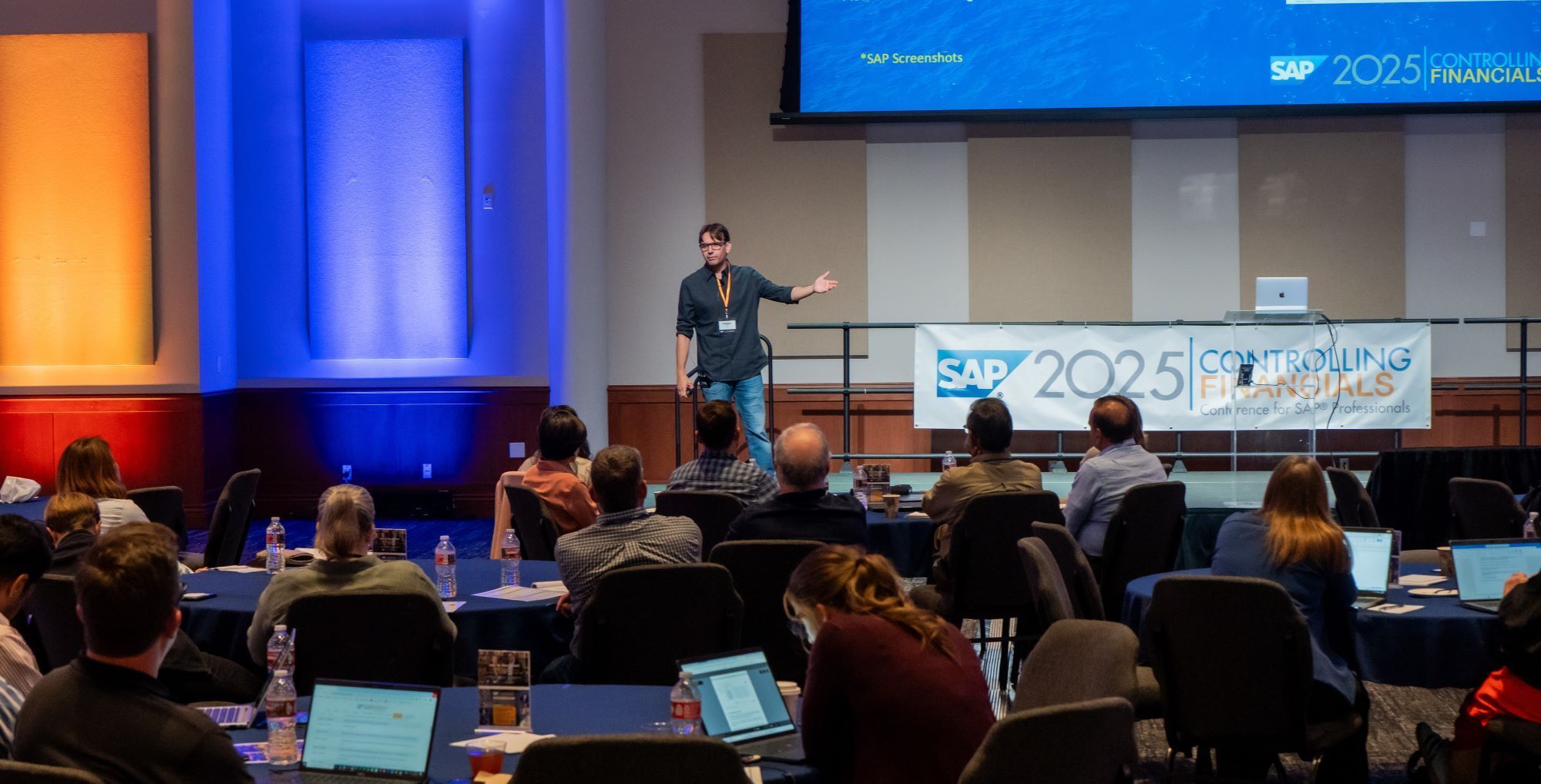
Based on a presentation by Rogerio Faleiros

A reliable financial close depends on knowing which tasks must run, who owns them, and what must finish first. SAP Closing Cockpit solutions and SAP Advanced Financial Closing (AFC) help teams organize, execute, and monitor supported closing activities.
The right starting point is your existing landscape and closing requirements. This guide compares the approaches, explains task lists and dependencies, and outlines a practical way to introduce closing automation.
Scope: SAP ERP Closing Cockpit, Financial Closing cockpit add-on, SAP S/4HANA Financial Closing cockpit, and SAP Advanced Financial Closing have different capabilities and prerequisites. Confirm the product, release, deployment, connectivity, and license entitlements available in your landscape.
Why Use a Closing Cockpit?
A spreadsheet can list closing tasks, but it takes additional effort to connect that checklist to job execution, dependencies, and results. A closing cockpit provides a structured view of the process, with task ownership, planned timing, and execution status.
For example, a finance team running depreciation across several company codes needs to know which runs completed, which require investigation, and whether the related accounting checks were performed. Central visibility reduces the need to reconstruct progress from messages and background-job searches.
The cockpit coordinates the closing process. The underlying applications still perform depreciation, valuation, allocations, WIP calculation, variance processing, and settlement.
Closing Cockpit versus Advanced Financial Closing
These names describe related approaches to closing orchestration, but not one interchangeable application. Earlier SAP ERP Closing Cockpit functionality, the Financial Closing cockpit add-on, and SAP S/4HANA Financial Closing cockpit must also be distinguished when assessing existing capabilities.
| Area | SAP S/4HANA Financial Closing cockpit | SAP Advanced Financial Closing |
|---|---|---|
| Deployment | Delivered within SAP S/4HANA as part of S4CORE; check your installed release and applicable entitlements. | A cloud-based closing hub on SAP BTP with its own setup and licensing requirements. |
| Core approach | Templates and task lists organize closing activities, responsibilities, and predecessor relationships. | Templates and generated task lists coordinate closing activities across supported connected communication systems. |
| Task processing | Supported task types and execution options depend on the installed cockpit version. | Includes job, SAP Fiori application, note, web application, and supported workflow task types. |
| System integration | Remote execution options exist; verify connectivity for your cockpit version. | Connections to supported SAP systems require configuration, authorizations, and the applicable integration components. |
| Evaluation focus | Assess whether the existing solution covers your close and monitoring requirements. | Evaluate centralized orchestration, connected-system coverage, governance, and implementation effort. |
In SAP ERP, assess the installed classic functionality or Financial Closing cockpit add-on separately. Do not infer license coverage from the word “classic.” SAP Advanced Financial Closing requires an additional license; confirm commercial scope with SAP or your licensing partner.
AFC is not merely a new screen placed over the classic cockpit. Treat it as a separate solution with communication-system setup and task integration. For non-SAP activities, assess supported integration options and manual or web-application tasks rather than assuming an automatic connector exists for every ERP.
Design Reusable Task Lists
A task list template defines the repeatable closing structure. The generated task list represents a particular close. Model organizational responsibilities, planned timing, and task instructions so the list remains understandable when an owner changes.
For each task, define:
- Business purpose: The accounting result or check the task is intended to deliver.
- Owner and reviewer: Who processes the task, resolves exceptions, and approves completion where required.
- Execution method: The supported job, application, workflow, or manual procedure.
- Parameters: Company code, period, fiscal year, ledger, and other relevant selections.
- Completion evidence: The logs, reports, reconciliations, or review records needed.
In a classic SAP GUI workflow, examples may include AFAB for depreciation or CKMLCP for Actual Costing processing. Transaction and program choices vary by release and accounting scenario. Use the appropriate supported job or app for the task; a transaction name alone is not a complete automation design.
A job variant supplies saved selection parameters. Where supported, dynamic selections can reduce recurring maintenance. Test period rollover, fiscal-year changes, and company-code differences before relying on automatically derived dates.
Finance ownership does not require unrestricted production configuration changes. Agree the maintenance approach, authorizations, testing, and approval process with the application and Basis teams.
Model Dependencies and Exceptions
A dependency defines a predecessor relationship. It helps ensure that a successor is eligible for processing only after the relevant prerequisites are satisfied. Automatic start behavior also depends on the task type and scheduling settings.
For a conventional period-based production close, the following is an illustrative design discussion:
| Stage | What to establish before the next stage |
|---|---|
| Source postings | Confirm that relevant material movements, confirmations, and corrections are complete for the agreed cutoff. |
| Allocations and activity valuation | Complete the allocations and any required activity-price calculation or revaluation steps in the correct sequence. |
| Production closing calculations | Run applicable overhead, WIP, and variance processing according to order status and configuration. |
| Settlement | Review messages and settle eligible amounts using the configured receivers and rules. |
| Reconciliation and approval | Explain remaining balances and reconcile the accounting results before sign-off. |
This is not a universal execution sequence. Activity revaluation, Material Ledger, and event-based production accounting can change the required steps and their order. Document the sequence for your own solution and test it with representative periods.
When a job fails because of a lock or missing data, identify the cause before rerunning it. Check whether partial postings occurred and whether the program supports a safe restart. Scheduled retries should follow a tested exception procedure rather than repeatedly launching a posting job without review.
For related processes, see Universal Allocation, Actual Costing with Material Ledger, and capturing and reconciling Product Costing data.
Monitor Results and Preserve Evidence
Use task status and processing results to identify exceptions and delayed dependencies. Depending on the solution and task type, users can review job logs, application messages, spool output, instructions, and change history.
A successful technical status does not by itself prove that the accounting result is correct. Include business checks such as expected document counts, balance reconciliation, or review of valuation differences.
In AFC, job and workflow tasks can return processing results, while note tasks support work performed manually. User authorization may also be required in the connected system. Define how manual completion and reviewer approval are evidenced.
Distinguish task history, change logs, technical logs, spool output, and security audit logs. Their storage, archiving, and retention rules differ. Do not assume that every item remains available indefinitely after background-job cleanup.
For example, SAP's AFC documentation states that the SAP BTP Audit Log service retains security audit data for 90 days by default. Configure the relevant retention and archiving arrangements to meet your organization's requirements; this default is not a statement about every type of closing evidence.
Start with a Controlled Pilot
- Select a repeatable task. Choose a well-understood process, such as depreciation for a limited group of company codes.
- Document the existing procedure. Record parameters, ownership, prerequisites, outputs, and exception handling.
- Build and test the task list. Include missing prerequisites, authorization failures, and period changes in the test scenarios.
- Reconcile the accounting results. Confirm that the automated execution produces the intended postings and review evidence.
- Measure and expand. Track manual effort, elapsed time, failures, and follow-up work before adding further processes.
Recurring tasks may also support interim management reporting where the underlying accounting process permits it. Agree the frequency and reporting purpose before introducing daily or weekly settlement or valuation jobs.
Choose between improving an existing cockpit and introducing AFC based on the required integrations, process controls, reporting, and operating model. More ledgers or company codes alone do not determine which product is appropriate.
Make Your SAP Close Easier to Run and Explain
ERPCorp can help review closing dependencies, Product Costing tasks, exception handling, and reconciliation so your team can automate a process it understands and trusts.
Glossary
Closing Cockpit
SAP functionality for organizing, processing, and monitoring closing tasks. Capabilities depend on the specific ERP, add-on, or S/4HANA version.
SAP Advanced Financial Closing (AFC)
A cloud-based solution on SAP BTP that coordinates closing tasks across supported connected systems.
Task List Template
A reusable definition of the closing structure and its tasks. Task lists generated from it support particular closing cycles.
Dependency
A relationship between predecessor and successor tasks that controls processing eligibility under the configured rules.
Job Variant
A saved set of selection parameters used when executing a program or job.
Communication System
A system connected to AFC for the supported closing integration and task processing.
Spool Output
Output produced by a background program that can be reviewed as part of task execution evidence.
Based on Rogerio Faleiros' presentation, “The Advanced Finance Closing Cockpit,” at the SAP Controlling Financials Conference. Explore ERPCorp membership for in-depth SAP Controlling content.
SAP documentation: SAP S/4HANA Financial Closing cockpit; AFC System Landscape; How to Process Tasks; Audit Log Integration.